Appearance

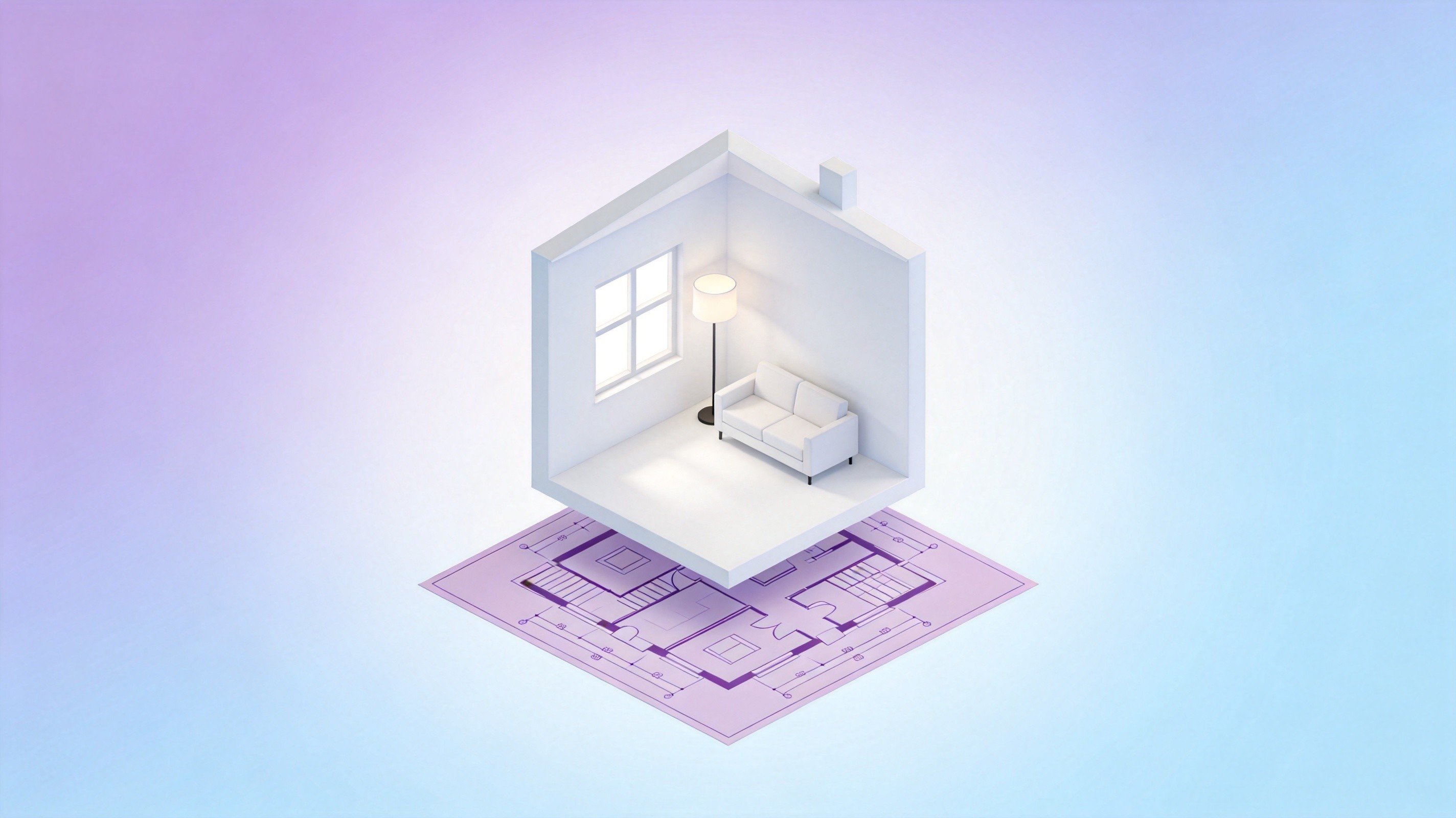
Best AI Image Generators for Architecture and Interior Design in 2026
An architect does not need "a beautiful image". They need the image that answers the question the client actually asked — what the lobby looks like at 4pm, whether the oak reads too orange, how the stair lands against the window.
That distinction is why generic "best AI image generator" lists are close to useless for this field. The work splits into four jobs with almost nothing in common: mood and concept exploration, photoreal visualization, surgical editing of an existing render, and presentable drawings with legible labels. A model that dominates one is mediocre at the others.
This guide works through the four jobs, maps them onto the image models available today, and shows the workflow that holds up when a client asks for the eleventh variation on a Tuesday afternoon.
Table of Contents
- Why Architecture Needs Different Image Models
- What These Four Jobs Actually Require
- The Model Roster Compared
- Model Picks by Design Task
- Where AI Renders Fail in Practice
- A Workflow From Sketch to Client Presentation
- Prompt Patterns That Survive Client Review
- Cost and Iteration Speed
- FAQs
- Related Articles
Why Architecture Needs Different Image Models
The failure mode in architectural imagery is not ugliness. It is plausibility without accuracy. A model can produce a stunning living room in which the sofa blocks a doorway, the pendant hangs at chest height, and the window mullions do not line up with the facade drawing. It looks like a render. It is not a design.
Designers therefore evaluate these tools on three axes that marketing copy ignores:
- Geometric obedience. Does the model keep the room proportions, ceiling height, and window positions you specified, or does it invent a nicer building?
- Material fidelity. Can it hold a specific finish — brushed brass, honed limestone, white oak with a matte seal — across a dozen frames?
- Controllability. When the client says "same room, warmer light", can you change one variable without regenerating everything?
A concept artist can live with loose geometry. A visualization lead cannot. That is the split that determines which model belongs in which part of the pipeline.
What These Four Jobs Actually Require
Concept and mood exploration. Speed and range matter more than precision. You want forty directions in an hour, some of them wrong in interesting ways. Stylization is a feature here, not a bug.
Photoreal visualization. The reverse. A believable interior photograph has consistent light direction, correct shadow softness, plausible material response, and clean edges. Models that chase artistic flair tend to over-bake contrast and add cinematic haze that no client asked for.
Editing an existing image. This is where most real project time goes. The base render is approved; now you swap the rug, remove a chair, change the wall from plaster to slatted timber. Regenerating from a prompt destroys the approved composition. You need a model that respects the image it is given.
Presentable drawings and annotated visuals. Elevations, plan callouts, signage mockups, and boards with text on them. Text rendering is the whole game here, and it is historically the weakest thing image models do.
The Model Roster Compared
The models below are the ones worth testing for design work, grouped by what they are actually good at. All of them sit behind a single interface on Nolvia, which matters later when you want the same room rendered three different ways without three subscriptions.
| Model | Strongest at | Weak spot for design work |
|---|---|---|
| Midjourney V8.2 | Concept mood, material poetry, stylized boards | Loose geometry, invents architecture |
| Imagen 4 Ultra | Photoreal interiors, natural light falloff | Less obedient to exact layout |
| FLUX.2 | Fine surface detail, texture realism | Needs tight prompts to stay on brief |
| GPT Image 2.5 | Instruction following, frame-level edits | Softer, less photographic grain |
| Nano Banana Pro | Legible text, signage, annotated boards | Less painterly for concept work |
| FLUX.1 Kontext | Editing an existing image in context | Not a from-scratch generator |
| Seedream 5.0 Lite | Balanced quality at speed | Fewer stylistic extremes |
| Z-Image Turbo | Rapid iteration on layout variants | Detail breaks down at large sizes |
Reading this table as a ranking is the wrong move. Each row is a different instrument.
Model Picks by Design Task
Mood boards and early concept. Midjourney V8.2 remains the fastest way to find a visual language — light quality, material palette, atmosphere. Ask for "morning light through sheer linen, warm oak, quiet concrete" and you get directions worth pinning. Treat output as reference, never as a deliverable.
Photoreal interior visualization. Imagen 4 Ultra and FLUX.2 do the heavy lifting. Ultra handles daylight through large glazing convincingly, which is where cheaper models produce flat, evenly lit rooms that read as CGI. FLUX.2 is stronger on close material detail — the sheen on a lacquered cabinet, the weave of a rug.
Client revisions on an approved frame. GPT Image 2.5 with frame-level editing, or FLUX.1 Kontext for context-aware changes. This is the single biggest time saver in the pipeline: swapping a sofa fabric takes a prompt instead of a re-render.
Boards with words on them. Nano Banana Pro is the practical choice whenever the image must carry text — room labels, a signage mockup, a title block on a presentation board. Text fidelity is the reason to pick it over a better-looking model.
Fast layout exploration. Z-Image Turbo and Seedream 5.0 Lite for the stage where you are testing twelve furniture arrangements before anyone commits. Speed beats fidelity until the direction is locked.
A real project uses at least three of these in sequence. Keeping them in one workspace — rather than five tabs and five logins — is the difference between a workflow and a scavenger hunt.
Where AI Renders Fail in Practice
Invented structure. Ask for a room and you get a room, but not your room. Mullion spacing drifts, ceiling heights change, doors appear where there is wall. Fix: feed a sketch or a massing blockout as a reference image, and describe the fixed elements explicitly — "three vertical mullions, ceiling at 3.2m, door on the left wall".
Light that contradicts itself. Two shadow directions in one frame is the tell that a render is synthetic. It happens when the prompt mixes "golden hour" with "bright ambient". Pick one light story per image.
Material drift across a set. The same oak reads pale in the kitchen and orange in the hallway, because each image was generated independently. Fix: generate the master frame first, then edit derivatives from it rather than regenerating each room from text.
Text that turns to hieroglyphs. Older models cannot spell. If a board needs labels, use a text-capable model for that pass, or add typography in layout software where you control it.
The uncanny sofa. Furniture proportions are a reliable tell — seats too low, arms too thin, cushions with no weight. Naming the furniture type and era helps more than adjectives about style.
A Workflow From Sketch to Client Presentation
Stage one — lock the geometry. Start from your actual drawing: a SketchUp or Rhino viewport, even a rough one. Feed it as a reference and ask for a photographic interpretation. The model's job is to make your geometry believable, not to design.
Stage two — establish a master frame. Once the camera angle is right, produce one hero image at high quality. This becomes the reference for everything else, which keeps materials consistent across the set.
Stage three — derive the variants. Day, dusk, and evening lighting; two furniture schemes; three material palettes. Each is an edit of the master, not a new generation. This is where the hours actually get saved.
Stage four — assemble the board. Layout, labels, and typography. If the board itself needs generated imagery with text baked in, hand that single frame to a text-capable model.
Stage five — the honest check. Put the render next to the drawing. If the window count, door swing, or stair run does not match, the image is a liability, not an asset. Designers who skip this step get caught in the meeting.
Running all five stages inside Nolvia means the master frame, the edits, and the board imagery stay in one conversation thread, with 40+ models available for whichever stage needs a different strength.
Prompt Patterns That Survive Client Review
Name the camera. "35mm, eye level, one-point perspective" produces architectural photography. Without it you get an illustration.
Name the light. "Overcast north light, soft shadows, no direct sun" is controllable. "Beautiful lighting" is a lottery ticket.
Name the materials as a specification. "White oak with matte seal, honed limestone floor, brushed brass hardware" beats "warm modern interior". Suppliers use precise language for a reason.
State what must not change. "Keep the window positions, ceiling height, and door location" is the single most useful sentence in a design prompt.
Iterate one variable. Changing light, furniture, and palette in one prompt makes it impossible to tell what worked. One variable per pass keeps the process auditable — and clients always ask what changed.
Cost and Iteration Speed
Design work is iterative by nature, and iteration is where image budgets quietly disappear. The practical question is not the price of a subscription but the cost of the fiftieth variation on a single room.
A traditional render pipeline charges per frame and per revision cycle. Generated imagery flips that: exploration is nearly free, and the constraint becomes the time you spend curating. Teams that adopt this well stop treating images as deliverables to be commissioned and start treating them as a conversation.
On Nolvia, image work runs on points across three tiers — $15/mo for 45K points, $30/mo for 100K, $60/mo for 200K — and the same subscription covers the text models you use for specifications, client emails, and code reviews. For a small studio, that consolidation is usually worth more than any single model's marginal quality advantage.
Try Every Major AI Model in One Workspace
Nolvia gives you GPT, Claude, Gemini, Grok and 40+ models in a single subscription — no API keys, no juggling five tabs.
Start Free on Nolvia