Appearance

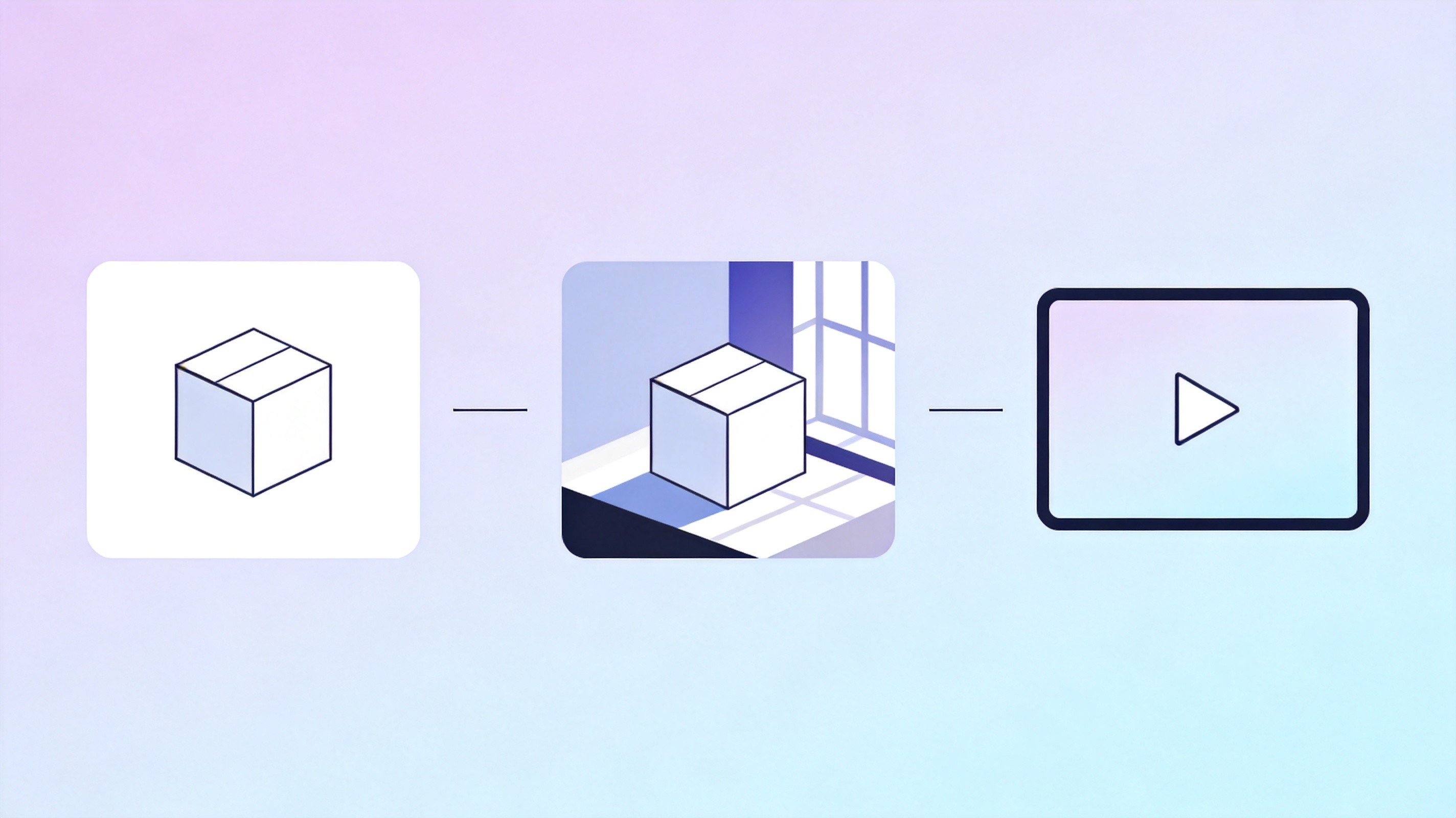
The AI Workflow for E-Commerce Product Photos and Video Ads in 2026
A product listing needs four kinds of asset, and each one fails differently. The main image gets rejected for a grey background. The lifestyle shot shows a chair that is not the chair being sold. The detail shot invents a texture the factory does not make. The video ad looks beautiful and shows a feature that does not exist.
None of those failures come from a weak model. They come from using one model for four jobs with contradictory requirements.
The workflow below takes a single product through all four, in the order that avoids rework, using the model types that actually fit each stage. It assumes you have the product in hand and can photograph it once — which is the constraint that makes everything else reliable.
Table of Contents
- Why the Main Image and the Ad Need Different Models
- Step One: A Reference Shoot You Can Trust
- Step Two: The Compliant Main Image
- Step Three: Lifestyle Scenes Without Losing the Product
- Step Four: Detail Shots That Do Not Lie
- Step Five: The Video Ad
- Which Model for Which Step
- Keeping One Product Consistent Across Twenty Assets
- Cost and Throughput
- FAQs
- Related Articles
Why the Main Image and the Ad Need Different Models
Marketplaces are literal about the main image: pure white background, product filling most of the frame, no props, no text, no shadows that suggest a surface. That is a cutout problem, not a creative problem, and the best tool is the one that respects edges — a model that produces clean alpha or a hard white composite without halo artifacts.
Lifestyle and ad work is the opposite. You want the model to invent a room, light it, place the product, and add a human gesture. Creativity is the requirement, and strictness about geometry is what kills the result.
Run both jobs through the same model and you get one of two outcomes: a main image with a moody background that gets rejected, or a lifestyle shot where the model "improved" the product into something you cannot ship.
Step One: A Reference Shoot You Can Trust
Photograph the product once, properly, before touching any AI tool. Fifteen minutes with a phone and a window beats an hour of prompt iteration.
What you need:
- Front, back, both sides, top, bottom. Six angles, straight on, plain background.
- A scale reference. A ruler in frame, or a known object, so proportions survive.
- Macro of the material. The weave, the grain, the finish. This is the file you will feed to detail-shot work.
- A logo or label close-up. Any model that regenerates your product will garble text on it, and having a clean crop lets you composite the real label back.
These become reference images for every later step. Skipping this is the single biggest cause of unusable output, because no model will reconstruct the actual product from a description.
Step Two: The Compliant Main Image
The main image is mostly a background removal and compositing job. Two routes work.
The first is a purpose-built cutout: remove the background from your reference photo, place the product on pure white, add a soft contact shadow. This is deterministic and passes review every time. It is also boring, which is fine — the main image is not where you win a customer.
The second is generative cleanup: pass the reference to an editing-capable model and ask it to isolate the product on white while preserving geometry exactly. This fixes imperfect original photography — a crease in the backdrop, a reflection you cannot remove — but it will occasionally redraw a logo or soften a hard edge.
For a catalog of fifty SKUs, use the deterministic route for all fifty and the generative route only where the source photo is unusable. Consistency across a grid matters more than any individual image, and mixed methods produce a grid where three tiles look subtly different from the rest.
Step Three: Lifestyle Scenes Without Losing the Product
This is where AI earns its cost. A real lifestyle shoot means a location, a model, a stylist and a day of shooting per scene. With a reference image and a scene prompt, you get a usable composite in minutes.
The technique that holds up is compositing, not generation. Place your cutout product into a generated scene rather than asking the model to draw the product inside the scene. Generation from a text description invents a similar-looking object; compositing keeps the actual object and only invents the world around it.
Practical sequence:
- Generate the empty scene — a kitchen counter at morning light, a desk with a laptop, a hallway with a runner.
- Composite the product cutout in, with a shadow that matches the light direction in the scene.
- Pass the composite back through an editing model for relighting, so the product picks up the ambient color of the scene.
Step three is what separates amateur composites from convincing ones, and it is the step most teams skip because the composite already looks acceptable in a thumbnail on Nolvia's canvas. A product shot pasted into a warm scene without relighting reads as fake immediately, and relighting is exactly what editing models are good at.
Generate two or three scene variations per product and reuse the same scene across a product line. A catalog where every item sits in a slightly different kitchen looks incoherent; one shared scene reads as a brand.
Step Four: Detail Shots That Do Not Lie
Detail shots are the highest-risk step, because the customer uses them to decide whether the material is what they expect. If the model invents a grain the factory does not produce, you get a return.
Use the macro reference photo, not the product description. Ask for texture enhancement, crop variation and lighting change — never for a different material. A prompt like "make the leather look more premium" is how you end up shipping a lie; "increase raking light to reveal the existing grain" gets you the same visual lift without changing the material.
For fabric, generate close crops from the macro reference at two or three scales. For hard goods, generate angled views that show edges and joins. In both cases the reference image is doing the work, and the model is only handling light and framing.
Step Five: The Video Ad
Short product video splits into three production routes, and picking the wrong one wastes the most budget of any step in this workflow.
Image-to-video. Take your best still and animate it — a slow push in, a rotation, a light sweep. This is the safest route because the product is fixed in the source frame and the model only invents motion. It suits hero shots and looks convincing at three to five seconds.
Text-to-video with a reference. Describe the shot and pass the product as reference. More flexible, more risk: the product drifts, the label garbles, the proportions change mid-clip.
Shot assembly. Generate three to five short clips, cut them together with a voiceover and captions. This is how real ads get made, and it is the only route that gives you a narrative in fifteen seconds.
For a first ad, build it from stills: three lifestyle composites, three image-to-video animations of six seconds each, a title card, a voiceover. Total production time is under an hour per product, and the result is honest — every frame contains the real product.
Which Model for Which Step
| Step | Job | Model type that fits | Failure to watch |
|---|---|---|---|
| Reference | Six angles plus macro | Camera, not AI | Undersized source files |
| Main image | Cutout on pure white | Cutout tool or editing model | Halos, redrawn logos |
| Lifestyle | Scene generation | Midjourney V8.2, Imagen 4 Ultra | Product redrawn instead of composited |
| Relighting | Match ambient light | FLUX.2, FLUX.1 Kontext | Colour shift on the product body |
| Detail | Texture at scale | FLUX.2, Seedream 5.0 Lite | Invented material |
| Video | Animate a still | Veo 3.1, Seedance 2.5, Grok Video | Drift over long clips |
| Copy frames | Resize, crop, add text | Any editor | Text over the product |
Notice that four different model families appear in that table, and none of them is optional if you want all four asset types. This is the practical reason teams end up on a multi-model workspace: buying each family separately costs more than the whole production budget for a small catalog. Nolvia carries Midjourney, Imagen, FLUX, Seedream, Veo, Seedance and Grok in one subscription across 40+ models, which is what makes the workflow above affordable at catalog scale.
Keeping One Product Consistent Across Twenty Assets
Consistency comes from a fixed pipeline, not from clever prompts.
Fix the reference set first, and never regenerate it mid-project. Then fix the scene: one scene per product line, reused. Then fix the seed or reference image for every derivative of the same product, so the model starts from the same pixels each time.
Keep a simple tracking sheet: product, reference file, scene file, model used per asset, date. When a customer complains that the photo does not match the delivered item, that sheet tells you which step invented what — and it takes ten seconds to fill in.
The most common inconsistency is colour. A product photographed under one light and relit in five different scenes will read as five shades of the same colour. Pick a target colour value from the reference photo and check every composite against it before publishing.
Cost and Throughput
The economics only work if you stop regenerating the reference. A catalog of thirty products with six assets each is 180 generations plus retries; at a realistic 2.5 attempts per asset, that is roughly 450 image generations and 90 short video clips.
Video is where the bill lives. A five-second clip costs several times what a still costs on every platform, which is why the image-to-video route matters: you are paying for motion, not for the model to rediscover your product. Budget video last, after the stills are approved, and only animate the frames that survived review.
On a point-based plan the whole catalog lands comfortably inside a mid tier — Nolvia's $30/mo covers 100K points, and a thirty-product run with retries typically consumes a fraction of that. Compare it to a single studio day and the decision is not close.
Try Every Major AI Model in One Workspace
Nolvia gives you GPT, Claude, Gemini, Grok and 40+ models in a single subscription — no API keys, no juggling five tabs.
Start Free on Nolvia