Appearance
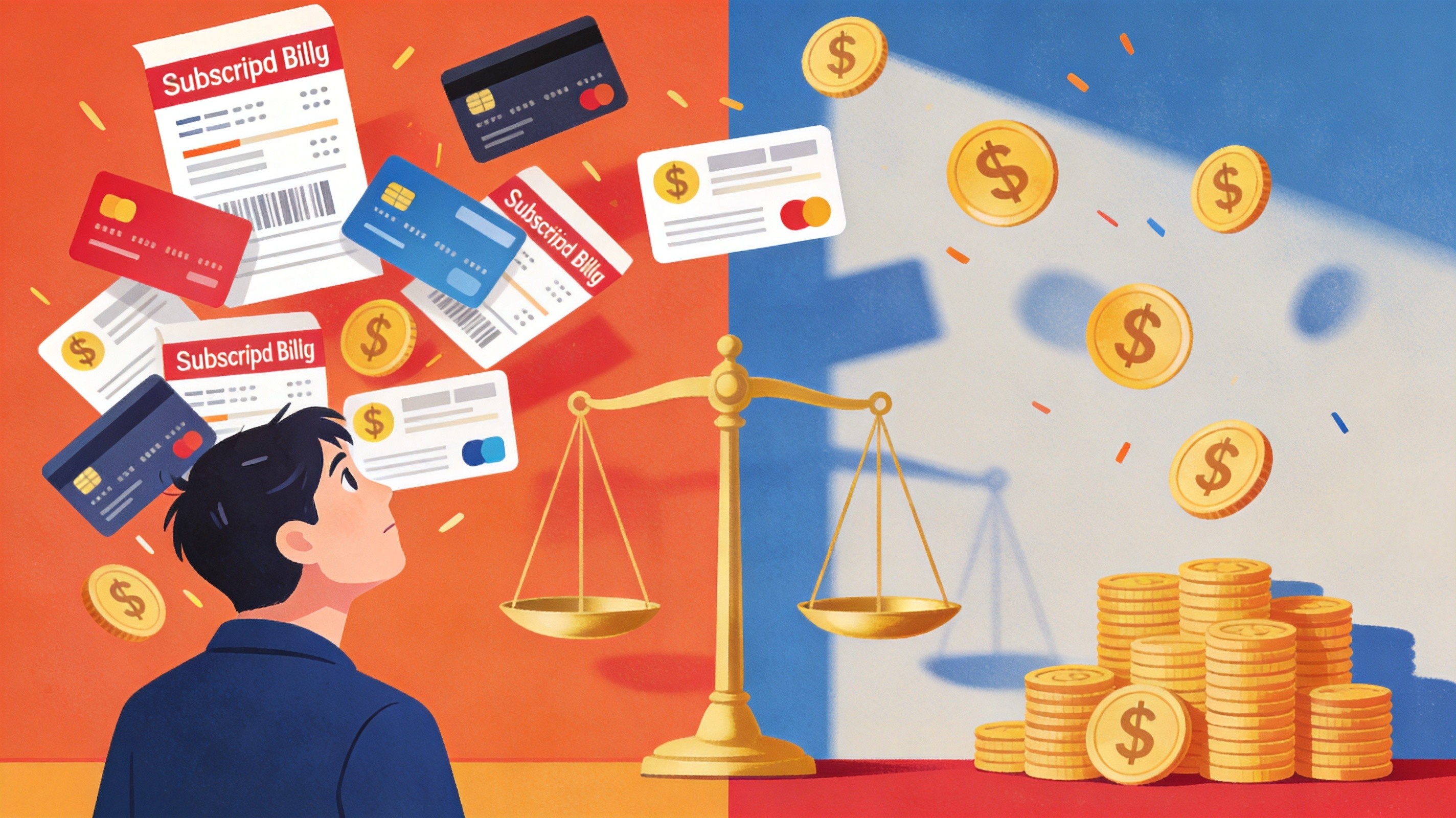
How Much Do AI Subscriptions Actually Cost in 2026? (And How to Save 70%)
It's June 2026, and your credit card statement looks like a tech company's payroll. ChatGPT Plus at $20. Claude Pro at another $20. Gemini Advanced for $20. Midjourney at $30. Maybe Runway or Cursor on top of that. You do the math — $90 to $150 a month, sometimes more, spread across logins you barely check twice a week.
You're not alone. The average power user now subscribes to 2.7 separate AI services, spending roughly $60–$110 per month without a clear picture of what they actually use. The AI subscription economy has become a tax on people who just want good tools — and most of us are paying it blindly.
This guide breaks down exactly what every major AI subscription costs in 2026, shows you what you're likely overpaying for, and walks through five practical strategies that can cut your AI bill by 50–70%.
Table of Contents
- Quick Answer
- AI Subscription Pricing: The Full Breakdown
- Why You're Probably Overpaying for AI
- 5 Ways to Save Money on AI Subscriptions
- Cost Comparison: Separate Subscriptions vs AI Aggregator
- Which Nolvia Plan Is Right for You?
- FAQs
- Related Articles
Quick Answer
Here's what you need to know before we dig in:
- Full AI stack cost in 2026: Running ChatGPT, Claude, Gemini, Midjourney, and one coding or video tool costs roughly $110–$250/month depending on tier choices.
- Most people overpay. Usage data consistently shows that subscribers tap into fewer than half their available features across any single service.
- Smart consolidation saves 50–70%. Moving from individual subscriptions to a bundled AI aggregator like the platform drops a typical power user's bill from $60–$110/month down to $15–$60/month — same models, one login, no juggling.
If you want the full breakdown and the math behind those savings, keep reading.
AI Subscription Pricing: The Full Breakdown
Pricing across AI services has fragmented into a dizzying range of tiers in 2026. Below is a clean snapshot of what the major platforms charge as of August 2026.
Text & Chat Models
| Service | Basic / Free | Mid Tier | Top Tier |
|---|---|---|---|
| ChatGPT (OpenAI) | Free (GPT-4o mini) | Plus: $20/mo | Pro: $100–$200/mo |
| Claude (Anthropic) | Free (Sonnet) | Pro: $20/mo | Max: $100/mo |
| Gemini (Google) | Free (Flash) | Advanced: $20/mo | Ultra: $250/mo |
| Grok (xAI) | Free (limited) | Premium: $8/mo | SuperGrok: $30–$300/mo |
| Perplexity | Free (basic) | Pro: $20/mo | — |
| DeepSeek | Free (open-weight) | API pay-as-you-go | — |
The $20/month price point has become the industry standard for "serious" access — ChatGPT Plus, Claude Pro, Gemini Advanced, and Perplexity Pro all land squarely there. The premium tiers, however, diverge sharply: OpenAI's Pro plan can hit $200/month, and Google's Gemini Ultra tops out at $250/month.
Image & Video Tools
| Service | Entry Tier | Mid Tier | Top Tier |
|---|---|---|---|
| Midjourney | Basic: $10/mo | Standard: $30/mo | Pro: $60/mo |
| Runway | Free (limited credits) | Standard: $12/mo | Pro/Unlimited: $76/mo |
| Sora (OpenAI) | Included with ChatGPT Plus | Standalone: $20/mo | — |
| Veo (Google) | Included with Gemini Advanced | — | — |
Image and video generation costs add up fast. Midjourney's Standard plan ($30/mo) is the sweet spot for most creators, while Runway's Pro tier at $76/month serves professional video workflows. Combined with a text model subscription, a creator's monthly cost typically lands between $50–$100 — before adding a dedicated coding tool.
The Real Total: What People Actually Pay
Stacking these together by user type gives a clearer picture of real-world spending:
| User Type | Typical Stack | Monthly Cost |
|---|---|---|
| Light user | 1 text model (ChatGPT Plus or Claude Pro) | $20–$40/mo |
| Power user | 2 text models + 1 image tool | $60–$110/mo |
| Creator (text + image + video) | Text + Midjourney + Runway | $80–$150/mo |
| Premium stack | Multiple top-tier plans | $200–$300+/mo |
Those numbers aren't theoretical. They match what users report when asked about their combined AI spending in 2026 surveys — and they represent a significant shift from 2024, when a single ChatGPT Plus subscription was enough for most people.
Why You're Probably Overpaying for AI
Most users don't have a spending problem — they have an allocation problem. Here's where the waste creeps in.
You don't use every subscription every day. You subscribed to Claude Pro for long-form writing, but most weeks you're just asking ChatGPT quick questions. That $20/month Claude subscription sits idle 80% of the time. Research on SaaS spending patterns shows the average subscriber uses fewer than 40% of the features they're paying for.
Most tasks don't need a flagship model. Asking Gemini Flash to summarize a PDF or reformat an email produces results nearly identical to Gemini Ultra — at zero marginal cost. Paying $200/month for OpenAI's Pro tier makes sense for enterprise API workflows. For daily use, it's a luxury tax.
You're paying for features you never use. ChatGPT Pro includes priority access to Sora, advanced voice, and deep research tools. If you've used Sora twice and never touched voice mode, you're paying $100+ for features that deliver no value to you.
Individual subscriptions are structurally inefficient. Each platform builds in capacity for your peak usage — the few hours a month when you're actually hammering the API. You pay for that peak capacity even during the 90% of the month when you're a light user. Bundled platforms don't have this problem because they spread capacity costs across a larger, more diverse user base.
Model overlap creates redundant spending. Here's a scenario that plays out constantly: you're a developer who uses ChatGPT for coding, Claude for writing documentation, and Gemini for research. All three models can handle basic Q&A, summarization, and simple code generation. You're paying for three subscriptions when one well-chosen platform could cover 90% of your actual workload. The overlap between models has grown significantly in 2026 — GPT-5.6, Claude Fable 5, and Gemini 3.6 Flash are all capable general-purpose models. The question isn't which one is best, it's whether you need all three simultaneously.
Subscriptions auto-renew, and inertia keeps you locked in. Most AI services charge monthly with auto-renewal enabled by default. Canceling requires navigating to account settings, often through multiple confirmation screens. The result? Subscriptions that should have been downgraded or canceled months ago quietly drain your budget. This isn't a design flaw — it's a business model. And it disproportionately affects cost-conscious users who signed up during a trial period and simply forgot.
Platforms that aggregate 40+ models across text, image, and video into a single subscription, address this inefficiency directly. Instead of paying $20/month each for three services you use on alternating weeks, you pay $15–$60/month for all of them — and only pay for the capacity you actually consume. One bill, one login, one cancelation if needed.
5 Ways to Save Money on AI Subscriptions
1. Use Lightweight Models for Simple Tasks
Not every prompt needs GPT-5.6 or Claude Fable 5. Summarizing a meeting transcript, drafting a quick email, or formatting data — these are tasks that lightweight models like GPT-4o mini, Gemini Flash, or DeepSeek V4 handle just as well at a fraction of the compute cost.
Build a habit: default to the lightest model that gets the job done, and reserve the flagship models for complex reasoning, long-form writing, or multimodal tasks. The cost difference is dramatic — lightweight models typically consume 5–10x fewer credits per interaction than top-tier ones.
2. Use an AI Aggregator Instead of Separate Subscriptions
This is the single highest-impact move for most users. An AI aggregator bundles access to multiple frontier models under one subscription, eliminating the need to maintain separate accounts.
An AI aggregator platform is the leading example in this space. For $15/month (Standard plan), you get access to GPT-5.6, Claude Fable 5, Gemini 3.6 Flash, Grok 4.6, DeepSeek V4, and Midjourney V8.2 — models that would cost $60–$110/month in separate subscriptions. The Pro plan at $30/month adds higher rate limits and 100,000 points, while the Ultimate plan at $60/month unlocks 200,000 credits plus a 15% bonus — enough for teams and heavy workloads.
The math is simple: if you currently pay $20/month for ChatGPT Plus and $30/month for Midjourney, switching to the Pro plan ($30/month) gives you both plus Claude, Gemini, Grok, and dozens more — for the same price as your two individual subscriptions combined.
3. Share Team Plans
Most major AI services now offer team or enterprise tiers with per-seat pricing that's lower than individual plans. ChatGPT's Team plan, Claude's Team plan, and Google's Workspace AI add-on all offer volume discounts.
If you're in a company or even a freelance collective, consolidating under a team plan can save 20–30% per seat. The catch: you need at least 3–5 users to make it worthwhile, and someone needs to manage billing.
This approach works best in structured environments — small agencies, dev teams, or content studios where multiple people need daily AI access. If you're a solo freelancer, though, team plans don't offer an advantage. In that case, an aggregator model gives you the multi-user economics without the overhead.
4. Use Free Tiers for Casual Use
Every major AI platform in 2026 offers a usable free tier. ChatGPT's free tier includes GPT-4o mini with generous limits. Claude's free tier handles Sonnet for shorter conversations. Gemini offers Flash access with no paywall.
For casual tasks — quick lookups, casual writing help, one-off image generation — free tiers cover the majority of needs. Reserve paid subscriptions for the workflows where quality genuinely matters, and default to free models for everything else.
5. Optimize Prompts to Reduce Token Usage
This matters most if you're on API-based pricing or credit-limited plans. Bloated prompts, excessive context windows, and redundant instructions burn through credits faster than necessary.
A few practical techniques:
- Front-load your instruction. Put the task description at the top, context at the bottom. Models process sequentially, and shorter effective context = fewer tokens.
- Use structured outputs. Asking for JSON or bullet-point responses reduces output token count compared to open-ended prose.
- Cache repeated context. If you're running the same system prompt across hundreds of calls, use prompt caching (available on most platforms) to cut costs by 50–80% on cached tokens.
These optimizations compound. A developer running 10,000 API calls per month can shave $10–$40/month off their bill with prompt discipline alone.
Cost Comparison: Separate Subscriptions vs AI Aggregator
Let's put the numbers side by side. The real question isn't whether aggregators are cheaper — it's whether the trade-offs are worth it for your specific workflow. Here's what four common user profiles would pay with separate subscriptions versus an AI aggregator like aggregator platforms:
| User Profile | Separate Subscriptions | Aggregator Plan | Monthly Savings |
|---|---|---|---|
| Developer (ChatGPT + Cursor + Perplexity) | $60/mo | Pro: $30/mo | ~$30/mo (50%) |
| Creator (ChatGPT + Midjourney + Claude) | $70/mo | Pro: $30/mo | ~$40/mo (57%) |
| Power user (ChatGPT Pro + Claude Max + Midjourney) | $190/mo | Ultimate: $60/mo | ~$130/mo (68%) |
| Light user (ChatGPT Plus only) | $20/mo | Standard: $15/mo | ~$5/mo (25%) |
The savings scale with usage intensity. Light users see modest savings, but anyone spending over $60/month across multiple AI services can expect to cut their bill by 50–70% by consolidating.
A few nuances worth noting:
- Aggregator trade-offs: You may experience slightly higher latency during peak hours compared to a direct, dedicated subscription. For most users, this is imperceptible.
- Model availability: The platform's catalog of 40+ models covers text (GPT-5.6, Claude Fable 5, Gemini 3.6 Flash, Grok 4.6, DeepSeek V4, Kimi K3), image (Midjourney V8.2), and video (Sora 2, Veo 3.1) — the same models you'd subscribe to individually.
- No lock-in: Aggregator plans are typically month-to-month. If your needs change, you can adjust or cancel without the friction of terminating multiple services.
Bottom line: If you're spending under $20/month on a single AI tool, switching to an aggregator saves you $5 at most — not life-changing. But once you cross the $60/month threshold with two or more subscriptions, the math tilts heavily in the aggregator's favor. Most users who make the switch report saving $30–$80 per month with no noticeable drop in quality or access.
Which Nolvia Plan Is Right for You?
Nolvia offers three tiers designed around actual usage patterns rather than arbitrary feature gates:
| Plan | Price | Credits | Best For |
|---|---|---|---|
| Standard | $15/mo | 45,000 pts | Light use — casual chat, occasional writing, basic image generation |
| Pro ⭐ | $30/mo | 100,000 pts | Power users — daily multi-model workflows, content creation, research |
| Ultimate | $60/mo | 200,000 pts + 15% off extra | Heavy use — developers, teams, high-volume content production |
Most individual users land on the Pro plan. At $30/month, it replaces a typical two-subscription stack (ChatGPT Plus + any other service) while giving you access to the full model catalog. The 5,500-credit allocation handles roughly 200–400 interactions per day depending on model and complexity.
The Standard plan at $15/month works well if you're replacing a single ChatGPT Plus subscription — you get broader model access for $5 less. The Ultimate plan is the clear choice for anyone who's currently spending $100+ across premium tiers, offering 200,000 credits and an additional 15% discount on overage usage.
 Stop Paying for 5 AI Subscriptions
Get GPT, Claude, Gemini, Midjourney and 40+ models in one plan — starting at $15/mo.
FAQs
How much does the average person spend on AI subscriptions in 2026?
The average power user spends $60–$110 per month across multiple AI subscriptions, based on typical usage patterns. Light users who rely on a single service spend $20–$40/month, while creators and professionals running full stacks (text + image + video) often spend $80–$150/month.
Is it cheaper to use one AI aggregator instead of multiple subscriptions?
Yes, in most cases. An AI aggregator bundles 40+ models into a single $15–$60/month subscription, replacing the $60–$110+ you'd spend on separate services. Typical savings range from 50–70% for power users.
What's included in the $15/month Standard plan?
The Standard plan includes access to all 40+ models (text, image, and video), 45,000 points per month, and the same core features as higher tiers. It's designed for light users who want frontier model access without committing to a higher-tier plan.
Can I use GPT-5.6, Claude Fable 5, and Midjourney through an aggregator?
Yes. Aggregator model catalogs include GPT-5.6, Claude Fable 5, Gemini 3.6 Flash, Grok 4.6, DeepSeek V4, Kimi K3, Midjourney V8.2, Sora 2, Veo 3.1, and dozens more. All accessible through a single subscription and interface.
How do AI subscription costs compare to 2024?
AI subscription costs have increased for individual services — premium tiers have expanded to $100–$250/month — but competition has kept mid-tier pricing stable at $20/month. The emergence of AI aggregators has created a new, more cost-efficient option that didn't exist at scale in 2024.
What's the cheapest way to access multiple AI models?
The cheapest approach is combining free tiers for casual use with a single aggregator subscription for serious work. A $15/month aggregator plan provides access to 40+ models, making it the most cost-effective way to get broad AI coverage without maintaining multiple paid accounts.
Are AI subscription costs worth it for small businesses?
It depends on usage volume. For businesses where AI is a core tool (content creation, development, research), consolidated access through a platform's Pro or Ultimate plan delivers strong ROI. For occasional use, free tiers plus a single $15–$20/month subscription are usually sufficient.
Do AI aggregators offer free trials?
Aggregator platforms offer plans starting at $15/month with no long-term commitment. You can start with the lowest tier and upgrade as your usage grows, so there's minimal risk in testing whether an aggregator model works for your workflow.